
The DRS Camera can be setup to have a password protected screensaver.
To Turn on the screen saver click the Settings icon in the upper right hand corner of the Home Screen.
Click on System tab and here you can set the time limit of how frequently the camera will prompt for a password after the allotted time of inactivity.
Also by selecting Enable the text below is where you will enter the password.
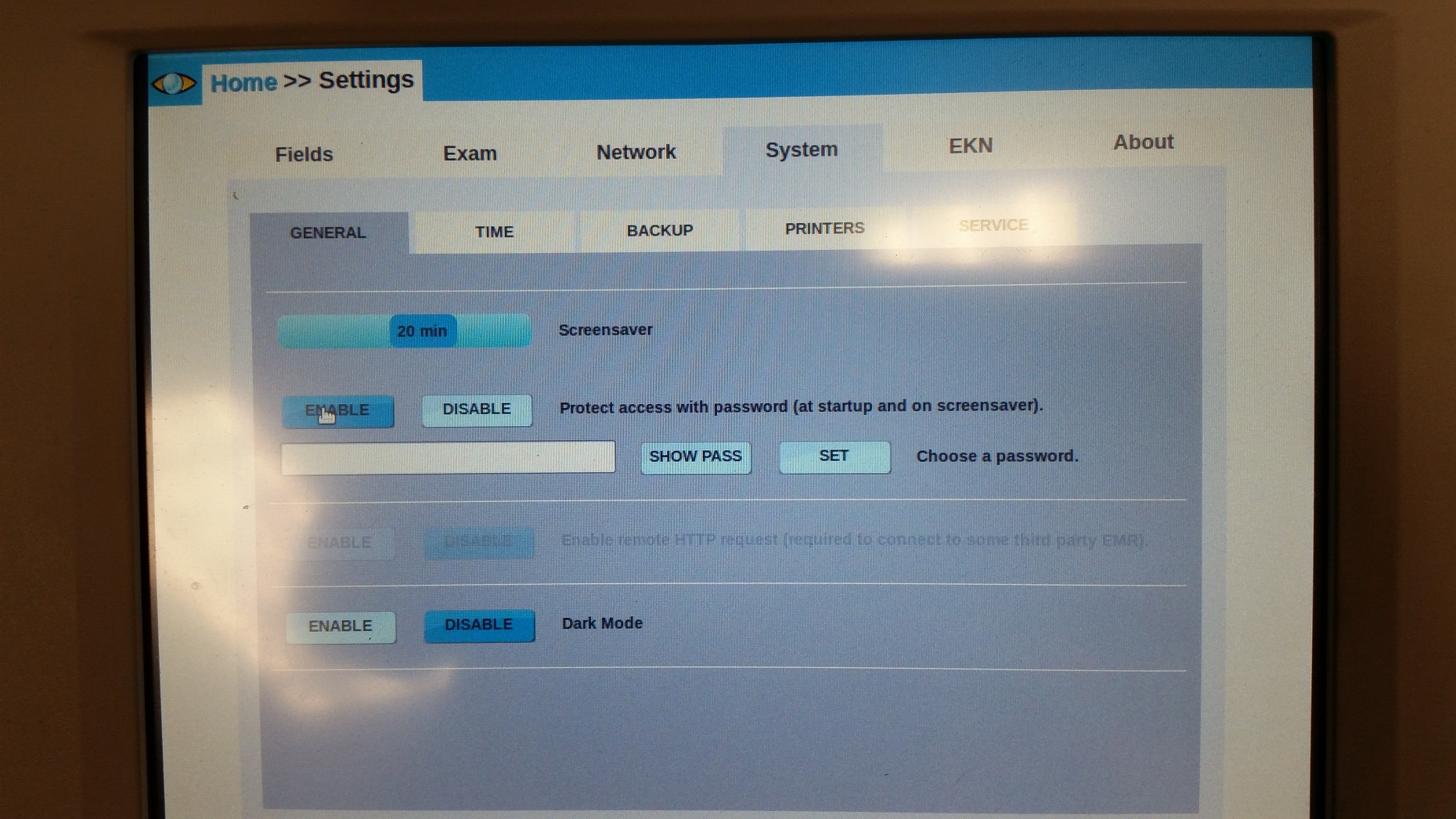
*NOTE* ONLY NUMBERS AND LETTERS CAN BE USED TO SET THE PASSWORD IF SPECIAL CHARACTERS ARE USED IT WILL RENDER THE CAMERA INOPERABLE AND WILL RESULT IN A CALL TO THE MANUFACTURER.
Comments